We’re excited to announce the launch of the Overtime Management feature in HReasilyPro Thailand. This exciting addition empowers you to manage time tracking and payroll processing while adhering to Thai regulations. Key functionalities include:
- Overtime Planning and Tracking
- Plan and Assign Overtime: Assign overtime to employees with fixed schedules, allowing them to accept or reject the request.
- Employee Overtime Overview: Employees can view their assigned overtime and confirm their availability.
- Overtime Record Management: Review and generate comprehensive records of all company overtime plans.
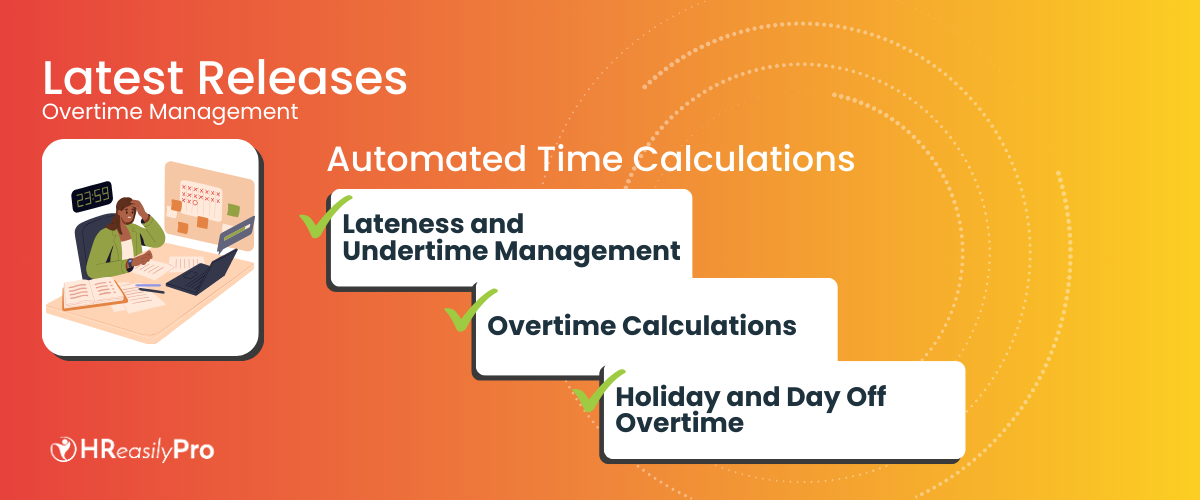
Automated Time Calculations:
- Lateness and Undertime Management: Define company policies for lateness tolerance and deductions, along with undertime (early out) tolerance and deductions.
- Overtime Calculations: Choose from various overtime calculation methods:
- Minimum Daily or Weekly Working Hours: Count overtime based on exceeding a set minimum for daily or weekly hours, or combine both methods.
- Employee Start & End Times: Calculate overtime based on employee clock-in and clock-out times, with the option to set a minimum working duration before overtime starts.
- Employee Scheduled Shifts: Capture overtime for employees working shifts by tracking hours worked beyond their scheduled shifts.
- Holiday and Day Off Overtime: Accurately calculate overtime for employees working on days off, rest days, and public holidays. Configure whether overtime worked on these days should be counted in payroll processing.
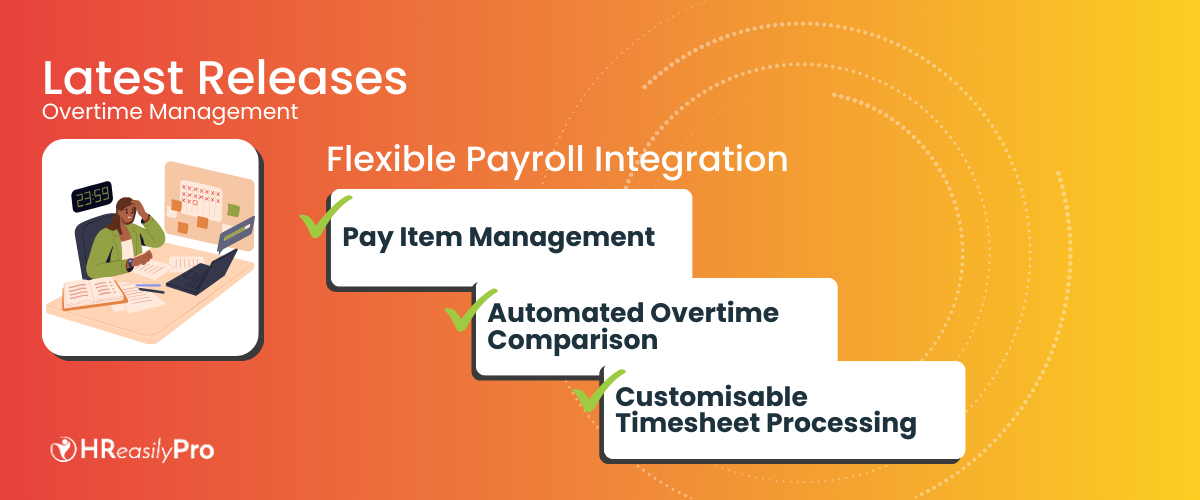
Flexible Payroll Integration:
- Pay Item Management: Utilize the default pay item for overtime in timesheet processing or customize by assigning a different pay item.
- Automated Overtime Comparison: Compare scheduled overtime (from Overtime Planning or Scheduled Shifts) with actual worked hours. The system automatically selects the lower value as the default for payroll processing,with the option for manual adjustments.
- Customisable Timesheet Processing: Admins or managers can choose which overtime, lateness, and undertime calculations to process in payroll for each employee.
Enhanced Timesheet Reporting:
- Comprehensive Reports: Access detailed reports covering working hours, lateness, undertime, scheduled overtime, actual overtime, and processed overtime for payroll.
Getting Started:
- Log in to your HReasilyPro account.
- Navigate to the Timesheet module.
- Access the Timesheet module to begin managing your company’s overtime, lateness, and undertime policies.
With the Overtime Management feature, you can now simplify time tracking, ensure compliance, and optimize payroll processes for your Thai workforce.
Secure a demo appointment with us to uncover the full potential of these updates and how HReasilyPro aligns with your business goals. Request a demo today.
See it on your own numbers.
Start free, import your team, and run a cycle on real hours. Nothing is filed until you approve it.
Sign up for free